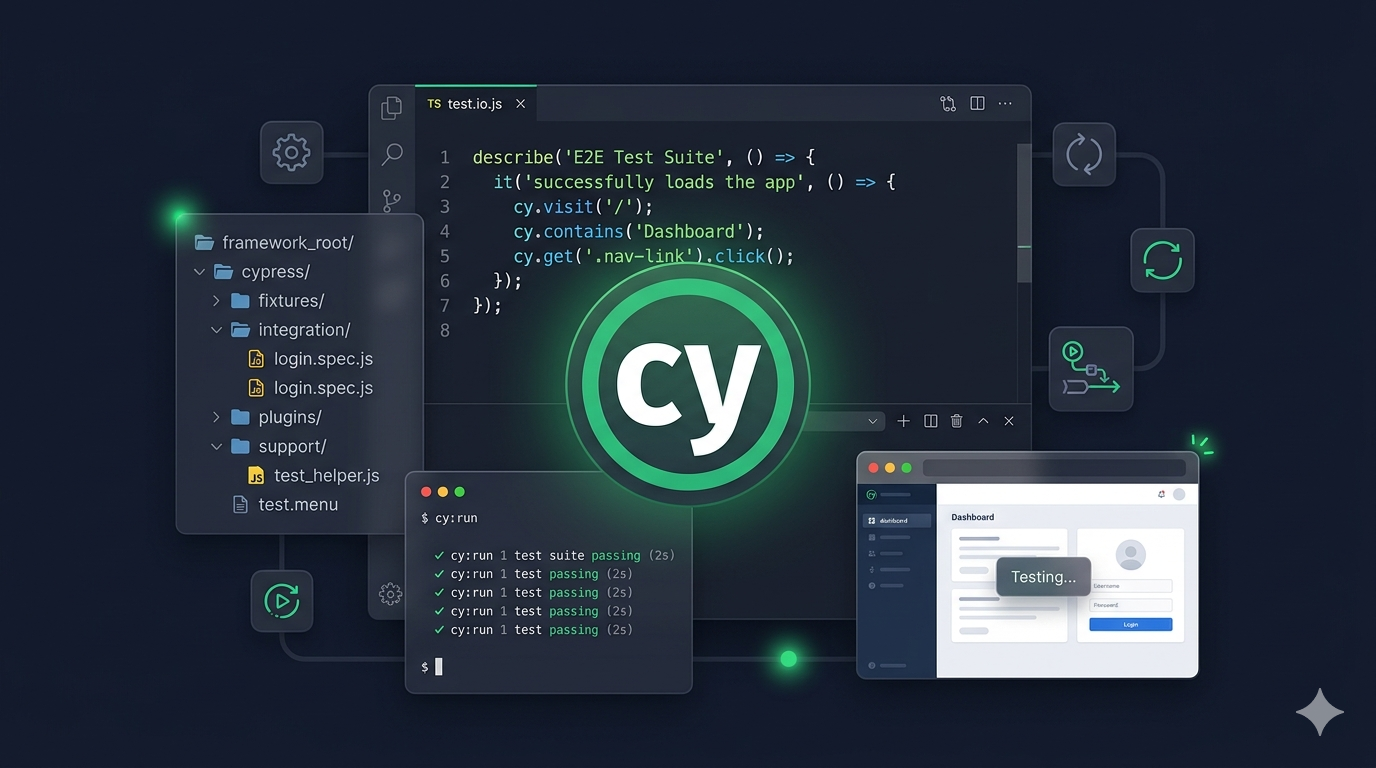
Imagine this. Every time your team is about to release a new version of your product, someone has to sit down and manually click through every single page of the application. Every button. Every form. Every flow. For three straight hours. And even after all that, there is still a chance something slips through and breaks for real users.
That was my reality when I joined the Beambox project.
Beambox is a SaaS platform that helps businesses manage their guest WiFi, run email campaigns, collect reviews, and track customer insights. It is a big product with a lot of moving parts. And when I came on board as the QA engineer, the automation coverage was exactly zero percent. Every release depended entirely on manual testing — and honestly, it was stressful.
I knew there had to be a better way. So I made a pitch to the team: let me build an automated testing system from scratch. What followed was one of the most challenging, rewarding, and eye-opening experiences of my career.
This is the story of how I did it.
The Problem — Why We Needed Automation
Let me paint the full picture for you.
Before automation, here is what testing looked like at Beambox. A developer finishes a new feature — let's say, a new email campaign builder. They push the code. And then the testing begins. Manually.
I would open the application, create a new account from scratch, log in, navigate to the campaigns section, create a campaign, configure it, send a test email, verify the email arrived, check the analytics, and then do it all over again with different settings. Then I would check that the new feature did not accidentally break something else — like the guest WiFi portal, or the billing page, or the QR code generator.
This manual regression cycle took about 3 hours. And we were releasing updates multiple times a week.
Think about that. Three hours of repetitive clicking, every few days, just to make sure nothing is broken. And even with all that effort, bugs still slipped through. Because humans get tired. We miss things. We make assumptions. We skip flows that "probably still work."
The team needed a system that could run all those checks automatically, reliably, and fast. That is when I stepped up.
Picking the Right Tool — Why I Chose Cypress
The first big decision was: which testing tool should I use?
If you are not familiar with the world of testing tools, think of it like choosing a vehicle for a road trip. You want something reliable, fast, and suited to the terrain. There are many options — some are like heavy-duty trucks (powerful but complex), others are like sports cars (fast but specialized).
I looked at three main options:
Selenium has been around for a long time. It is like the reliable old truck — it gets the job done, but it requires a lot of setup and maintenance. For a project where I needed to move quickly, it felt like too much overhead.
Playwright is the newer, flashy option. It is very capable, but at the time, our team was most comfortable working with JavaScript, and Cypress had a stronger collection of ready-made plugins for things we specifically needed.
Cypress felt like the right fit. Here is why:
- It lets you watch your tests run in real time inside a real browser — you can literally see each click, each page load, each form fill as it happens. This made building and fixing tests much faster.
- It comes with a lot of built-in features — automatic screenshots when a test fails, video recordings of the entire test run, and smart waiting so tests do not break just because a page loads slowly.
- It uses JavaScript — the same language our developers already knew. This meant the whole team could read and understand the tests, not just the QA person.
Choosing Cypress turned out to be one of the best decisions I made. It let me move fast without sacrificing quality.
Building It From the Ground Up
Here is where the real work began.
Building an automation framework is a lot like building a house. You do not just start putting up walls — you need a solid foundation first. You need to decide where everything goes, how rooms connect, and how the plumbing and electricity will run behind the scenes.
For my framework, the foundation had three parts:
First, I organized everything into clear sections. Test files went in one folder. Page-specific instructions went in another. Test data — like sample user names and emails — went in its own place. This way, when something needed to change, I always knew exactly where to look. Imagine a filing cabinet where every drawer is clearly labeled — that is what I was going for.
Second, I created reusable building blocks. Instead of writing the same login steps in every single test, I created a "login helper" that any test could use. Same for signup, navigation, form filling, and more. I ended up building 38 of these reusable components — each one representing a different part of the Beambox application. This saved an enormous amount of time and made the entire system much easier to maintain.
Third, I made sure every test started fresh. Each test clears out old data before it runs, so it is never affected by what happened in a previous test. Think of it like wiping the whiteboard clean before starting a new lesson. This made the tests reliable and predictable — the same test gives the same result every time.
Step by step, test by test, the framework grew. I started with the most important flow — user signup — and expanded from there. Within a few months, I had 21 test suites covering every major feature of the platform.
Making It Run Automatically
Writing tests is only half the battle. The real magic happens when those tests run on their own — without anyone pressing a button.
I set up a system where every time a developer pushes new code, the tests run automatically in the background. Think of it like a security guard who checks every door and window every time someone enters the building. You do not have to ask the guard to do it — it just happens.
Here is how it worked in practice:
- A developer finishes writing code and pushes it to the shared codebase
- Within seconds, the automated tests start running on a cloud server
- If everything passes, the code gets the green light to be merged
- If something fails, the developer is immediately notified and the code is blocked from going live
I also built a system that posts test results directly to our team's Slack channel. After every test run, the team would see a summary: how many tests passed, how many failed, and how long it took. No one had to open a separate dashboard or ask me for an update — the information came to them automatically.
But the most powerful change was this: we blocked code from being merged if the tests failed. Before this, developers would sometimes push code even when tests showed warnings. Once failing tests became a hard stop, something shifted in the team culture. Suddenly, everyone cared about test quality — not just the QA person. Test failures became the whole team's responsibility, which is exactly how it should be.
We also scheduled tests to run daily on our staging environment and weekly on production. This caught issues that might hide between regular code pushes — problems that only show up under certain conditions or after time passes.
The Challenges — Things Did Not Always Go Smoothly
Let me be honest — this journey was not easy. Building something from scratch never is. Here are the real challenges I faced, explained in simple terms.
The "It Works on My Computer" Problem
Early on, tests would pass perfectly on my laptop but fail when running on the cloud server. The reason? Speed differences. My computer is fast — pages load instantly. But cloud servers are shared environments, and sometimes things load a bit slower. My tests were not patient enough to wait.
The fix was teaching the tests to be smarter about waiting. Instead of saying "wait 3 seconds and then click," I taught them to say "wait until the button actually appears, then click." This small change made a huge difference in reliability.
The QR Code Puzzle
Beambox generates QR codes for things like WiFi portals and review pages. But how do you test if a QR code is correct? You cannot just check if an image appears on the screen — you need to actually read what is inside the QR code and verify it points to the right place.
I built a custom solution that takes the QR code image, scans it (like your phone camera would), extracts the hidden link, and checks if that link is correct. It was one of the most creative problems I had to solve, and honestly, one of the most fun.
Testing Content Inside Frames
Some parts of Beambox display content from external services inside small embedded windows called "iframes." The testing tool could not see inside these windows by default — it was like trying to read a sign through a frosted glass door. I had to add a special plugin and fine-tune the approach to make the tests reach inside these embedded windows and interact with their content.
The Night Everything Broke
This one is a good story. Midway through the project, the development team decided to restructure the entire user interface. They changed how buttons, forms, and menus were built under the hood. From the user's perspective, the app looked the same. But from the testing perspective? About 40% of my tests broke overnight.
Here is the good news: because of how I had organized the framework, all the information about where to find buttons and forms on each page was stored in a central location. I did not have to hunt through hundreds of test files to fix things. I updated the affected locations in a few hours and everything was back to normal.
If I had not built the framework with this kind of organization, that fix could have taken days instead of hours. That moment was the ultimate proof that good architecture pays off.
The Results — What Actually Changed
After months of building, the numbers told a powerful story:
- Automation coverage went from 0% to over 80% of all critical user flows
- Regression testing time dropped from 3 hours to just 40 minutes
- Bugs reaching production were reduced by 60%
- The framework included 21 test suites covering every major feature — signup, login, billing, email campaigns, guest WiFi, QR codes, analytics, and more
- Tests ran automatically on every code push, with results posted directly to the team's Slack channel
- On a related healthcare project where I applied the same approach, we achieved zero critical bugs for 5 consecutive releases
But the numbers only tell part of the story. The real transformation was cultural.
Before automation, quality was the QA team's job. After automation, quality became everyone's responsibility. Developers started thinking about testability when building features. Product managers started asking "Is this covered by automation?" before approving releases. The entire team's relationship with quality changed.
And personally? I went from being the person who clicks through the app for hours to being the person who built the system that protects the entire product. That shift — from manual tester to quality architect — was one of the most significant moments in my career.
What I Learned — Advice for Anyone Starting This Journey
If I could go back and talk to myself on day one, here is what I would say:
Start with one thing and do it really well. Do not try to test everything at once. I started with just the signup flow — one test, one page, one feature. But I built it with a solid structure. That first test became the blueprint for everything that followed. Get the foundation right, and the rest becomes much easier.
Organization is more important than quantity. A well-organized framework with 20 tests is worth more than a messy one with 200. When things inevitably change — and they will — you need to be able to find and fix things quickly. I spent time upfront designing a clean structure, and it saved me countless hours later.
Bring the team along early. The moment I started posting test results in Slack and linking them to developer pull requests, everything changed. Developers started treating test quality as their problem too. Automation is not just a QA tool — it is a team tool. The sooner your team sees the value, the more support you will get.
Unreliable tests destroy trust. A test that sometimes passes and sometimes fails for no reason is worse than having no test at all. When I spotted an unreliable test, I fixed it immediately — no exceptions. If the team cannot trust the results, they will stop paying attention. And then the whole system loses its value.
Do not be afraid to build something creative. Nobody told me I would need to decode QR codes or test content inside embedded frames. Those were problems I discovered along the way and solved with creative thinking. Some of the best parts of this framework came from challenges I did not expect.
Building this framework was one of the most rewarding things I have done in my career. It taught me that great quality assurance is not about finding bugs after they happen — it is about building systems that prevent them from happening in the first place.
Conclusion
What started as a simple idea — "let me automate some tests" — turned into a system that fundamentally changed how my team builds and ships software. It reduced testing time by over 80%, caught bugs that used to slip through, and shifted quality from being one person's job to being the entire team's mission.
If you are in a similar situation — drowning in manual testing, watching bugs sneak into production, or feeling like there has to be a better way — there is. And you do not need a perfect plan to start. You just need to begin with one test, one flow, one small win. The rest will follow.
The tools and technologies will keep changing. But the principles stay the same: build something organized, make it reliable, get your team involved, and never stop improving.
I hope my story helps you take that first step. And if you are working on something similar or want to share your own experience, I would love to hear from you.

Enjoyed this article?
I write about QA engineering, test automation, and the tools shaping our industry. Connect with me on LinkedIn or explore my projects to see these principles in action.