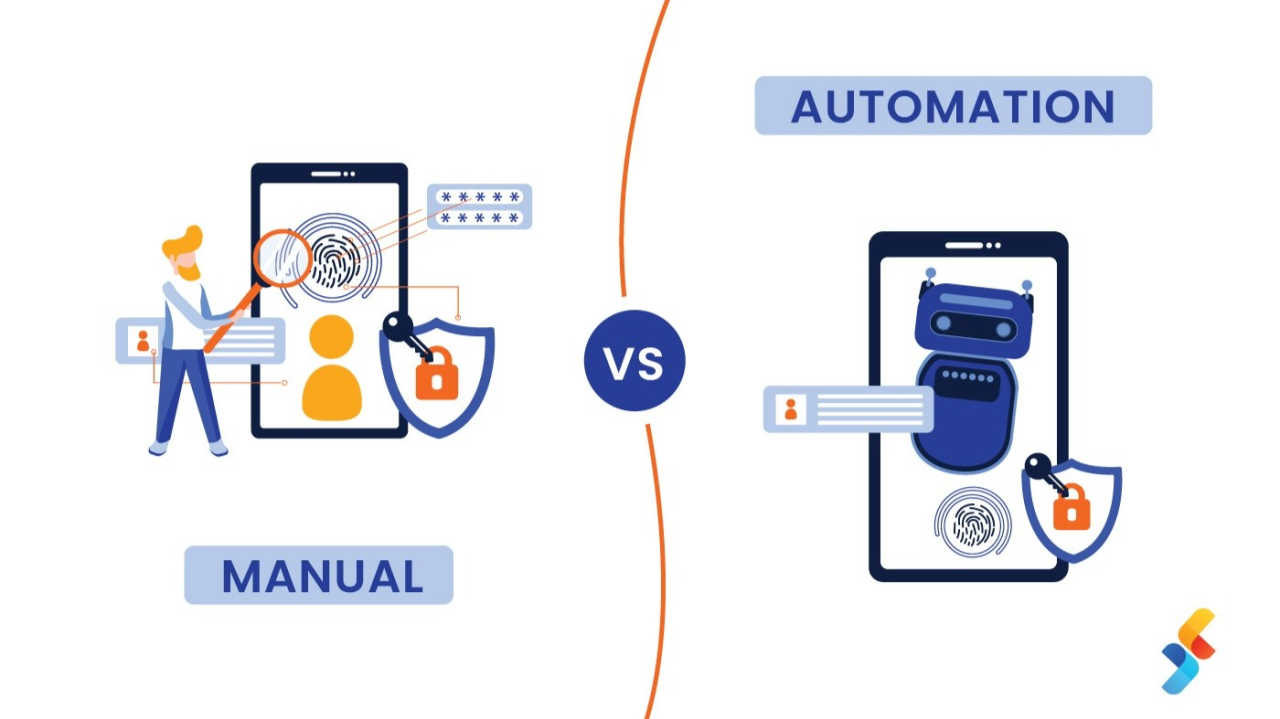
In the evolving world of software development, Quality Assurance (QA) plays a vital role in delivering stable, reliable, and user-friendly products. Among the most commonly debated topics in QA is the choice between manual testing and automation testing. While some argue automation is the future, others emphasize the irreplaceable value of manual exploration. But the truth is, both have their place, and knowing when and why to use each is the key to a successful QA strategy.
Understanding Manual Testing
Manual testing is the process of testing software manually without using any automation tools. A tester acts as an end-user, exploring the UI, functionalities, and possible edge cases.
1.UI/UX Evaluation
Manual testing excels at evaluating user interface and user experience, where human judgment is essential to assess look, feel, and usability.
2.Exploratory & Ad-Hoc Testing
Best suited for exploratory testing, ad-hoc testing, short-term projects, one-time tests, and early-stage development cycles where requirements are still evolving.
Understanding Automation Testing
Automation testing uses scripts and tools to execute test cases. It is faster, repeatable, and ideal for regression testing, large datasets, and complex workflows.
1.Regression & Smoke Testing
Automation shines for regression and smoke testing, where the same test cases need to be executed repeatedly across multiple builds.
2.CI/CD Integration
Ideal for Continuous Integration/Continuous Deployment pipelines, data-driven testing, performance testing, and long-term projects with frequent builds.
Manual vs. Automation: Key Differences
1.Speed & Accuracy
Manual testing is slower and prone to human error, while automation is faster, more efficient, highly accurate, and consistent across runs.
2.Cost & Maintenance
Manual testing has lower initial cost but no script maintenance overhead. Automation has a higher setup cost but is cost-effective in the long run, though it requires frequent script updates.
3.Flexibility & Tooling
Manual testing is great for UI/UX and exploratory testing with no tools needed. Automation excels at repetitive and data-driven testing using tools like Selenium, Cypress, and Playwright.
When to Use Manual Testing
1.Short Release Cycles
If the feature won't last long in production or changes frequently, manual testing is more practical than investing in automation scripts that will quickly become outdated.
2.Exploratory & Usability Testing
When test cases are not clearly defined and creative exploration is required, or when evaluating user experience, interface, and accessibility.
3.Initial Development Phase
When UI is still evolving and automation might break often, manual testing provides the flexibility needed during rapid iteration.
When to Use Automation Testing
1.Frequent Regression Testing
Ideal when the same test cases need to be executed repeatedly, especially in large-scale applications where manual testing would be time-consuming and inefficient.
2.CI/CD Pipelines
To validate each build quickly and consistently, automation is essential for maintaining speed without sacrificing quality.
3.Cross-Browser/Platform Testing
Automating tests across different browsers and devices ensures consistent behavior and saves enormous amounts of manual effort.
My Approach: Combining Both for Maximum Impact
In my QA journey, I've learned that the smartest strategy isn't choosing one over the other — it's blending both.
1.Start Manual, Then Automate
Start with manual testing during feature development to explore and understand the functionality. Once the feature stabilizes, automate the regression suite for that area.
2.Keep Manual for Visual Checks
For UI elements or visual validations, continue manual checks as automation may not detect layout inconsistencies.
3.Prioritize Automation Strategically
Always prioritize automation for critical paths, repetitive scenarios, and data-heavy testing to maximize efficiency and coverage.
Conclusion
Manual and automation testing are not rivals, but partners in delivering high-quality software. Each serves a unique purpose and excels in different scenarios. As QA professionals, our role is to evaluate the context, understand the business needs, and apply the right approach accordingly. Embracing both methods allows teams to work faster, reduce bugs, and improve product quality — all while maintaining a great user experience. Quality isn't just about catching bugs — it's about delivering confidence.

Enjoyed this article?
I write about QA engineering, test automation, and the tools shaping our industry. Connect with me on LinkedIn or explore my projects to see these principles in action.